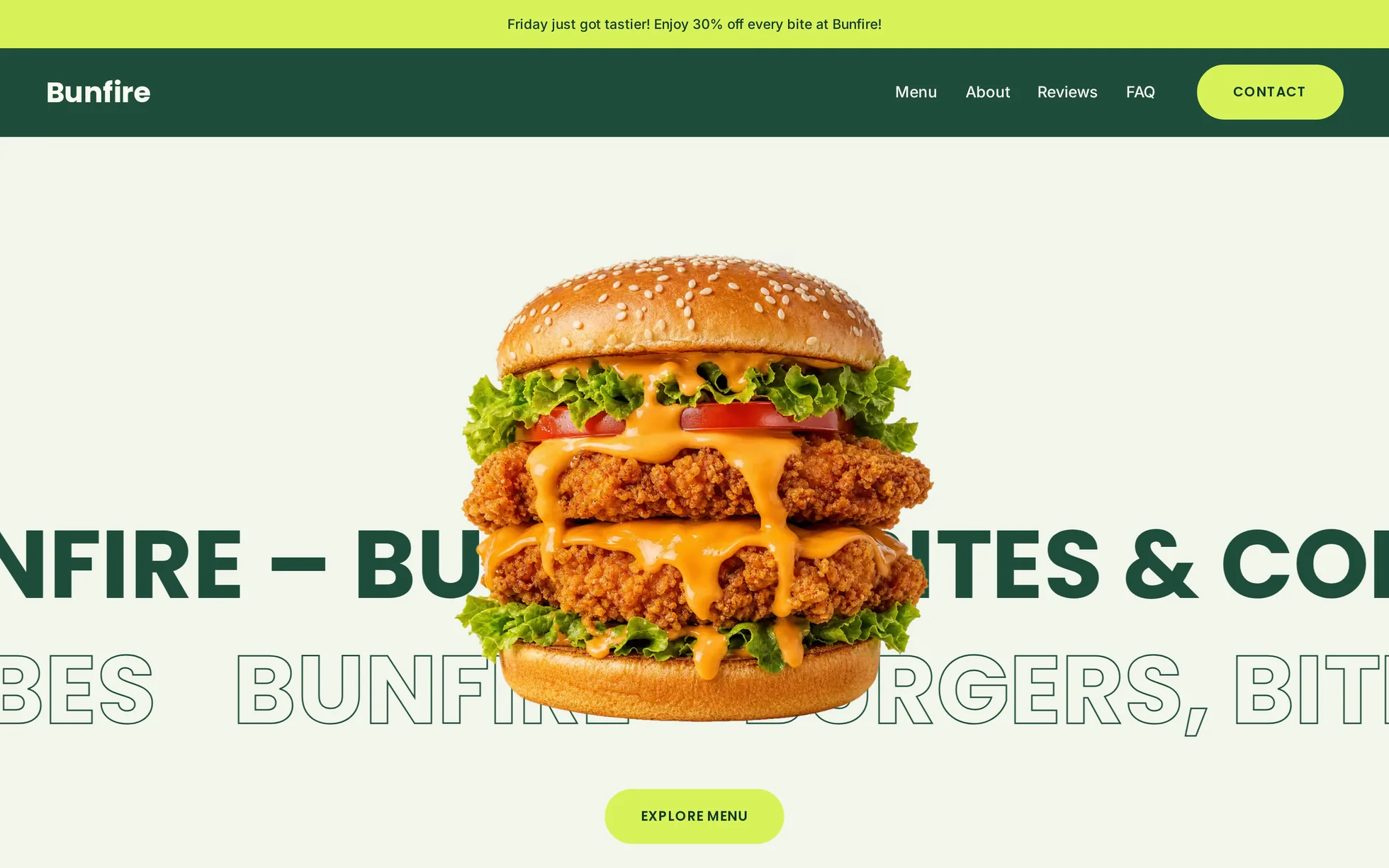
What it is
A restaurant site, complete: hero, categories, menu, reviews, booking banner, FAQ, footer. One page, one HTML file.
The design follows that of a commercial template, of which only the photos have been kept. The original code was minified, riddled with inline styles and opaque identifiers — impossible to learn anything from. All of it has been rewritten, block by block, with a comment above each one.
It's the more approachable of the two templates: half as much code as Havenwatt, and the same habits inside. Start with this one if you're just beginning.
What you change first
The colours — six lines
Right at the top of assets/css/style.css:
--color-primary:       #1f4d3a;  /* forest green: panels, headings */
--color-primary-dark:  #14382a;  /* text on the lime accent */
--color-accent:        #d7f25a;  /* lime: buttons, highlights */
--color-surface:       #f2f5ec;  /* page background */
--color-surface-light: #f7fbef;  /* text on dark panels */
--color-ink:           #12211a;  /* body text */
Change the lime accent for any other bright colour: buttons, highlights and category circles all follow, without touching anything else. It's the 60-30-10 rule from the “Visual direction” module, applied.
The name
Search for “Bunfire” in index.html — title, header, marquees, reviews, footer. No CSS class carries the brand name, unlike the original export: a find-and-replace can't break anything.
The fonts
Three roles, three variables: --font-heading,
--font-body and --font-hand, the handwritten one for accents. To change them, drop the files into fonts/ and declare them in the same place as the others.
The twelve effects, and how they're built
All measured one by one in the original export — durations, curves, offsets, angles — then rewritten as readable CSS and JavaScript.
| Effect | Where | How |
|---|---|---|
| Marquees | hero, band, footer | CSS animation, number of copies and duration as variables |
| Scroll reveal | headings, text, cards | IntersectionObserver, 3 variants and 5 offsets |
| Hero: zoom and blur | photo and button | scale and blur returning to zero, button delayed by 300 ms |
| Mouse parallax | hero photo | the JS writes the pointer position, the CSS transition smooths it |
| Buttons | everywhere | a dark disc rising, label flipping over |
| Category circles | Battle of the Burgers | a fill rising behind the dish |
| Menu cards | Customer Favorites | a cream panel sliding out, dish rotating by 10° |
| Falling labels | statement band | falling from the top, 7 angles and 7 delays |
| Review carousel | Bites Worth Talking About | native scroll-snap: dragging, swiping and the keyboard all work without JS |
| FAQ | questions | <details> native, lime background when open |
What you should know
- No external requests. Self-hosted fonts, no CDN, no tracker. Nothing goes out to a third party, so there's nothing to ask consent for.
- Scroll reveals can't hide the content. The hidden state only exists once the JavaScript has run. That's exactly the trap that made a section invisible in the original export.
- Zero inline styles, zero inline scripts. The template honours the site's strict security policy — never drop the raw export of a visual tool next to it without checking this again.
- Accessibility: skip link, menu state announced, visible focus, decorative marquees hidden from screen readers, a native FAQ that works without JavaScript, animations switched off if the system asks.
- Responsive checked at 390 px, with no horizontal overflow.
What isn't perfect
Better said here than left for you to find out.
- The photos come from the original template. The code is yours; for the visuals, check the licence or replace them before publishing a real site.
-
The copy is in English, as in the reference. That makes a ready-made first exercise: translating it in
index.htmlwithout breaking anything.
It’s waiting for you in the library.
Bunfire comes with the subscription, alongside the rest of the library and the full course.
Immediate access · No commitment · Cancel in one click